Choose the target size
Check the platform dimensions and aspect ratio before editing.
Image dimensions, aspect ratios and composition
Read practical guidance for Instagram, YouTube and other social platforms. Compare crop, fit and background options before preparing images in your preferred editor.
Read the size guideSame photo. Three ways to fit.
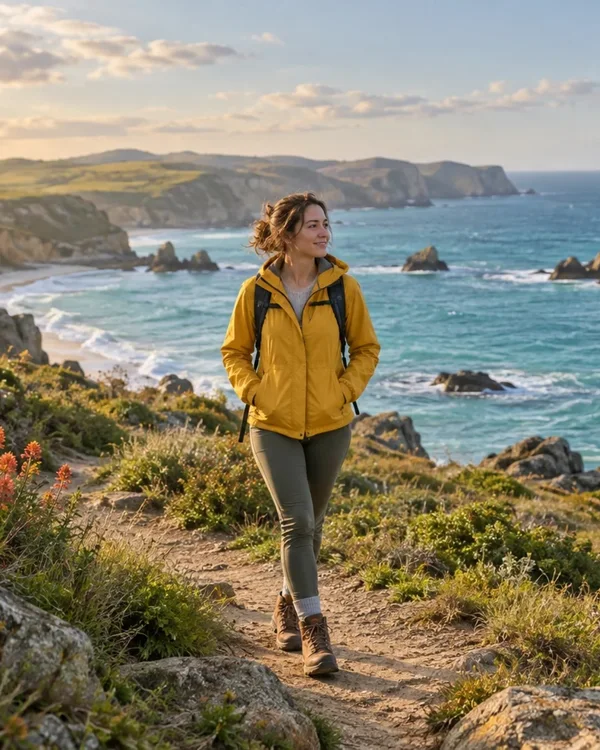
Fills each frame. Edges outside the frame are removed.
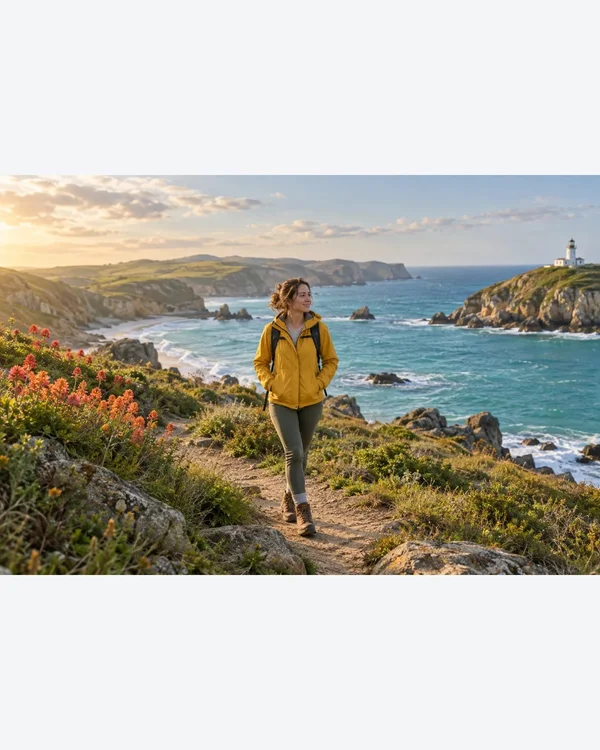
Keeps the whole photo without stretching. Empty space uses your chosen color.
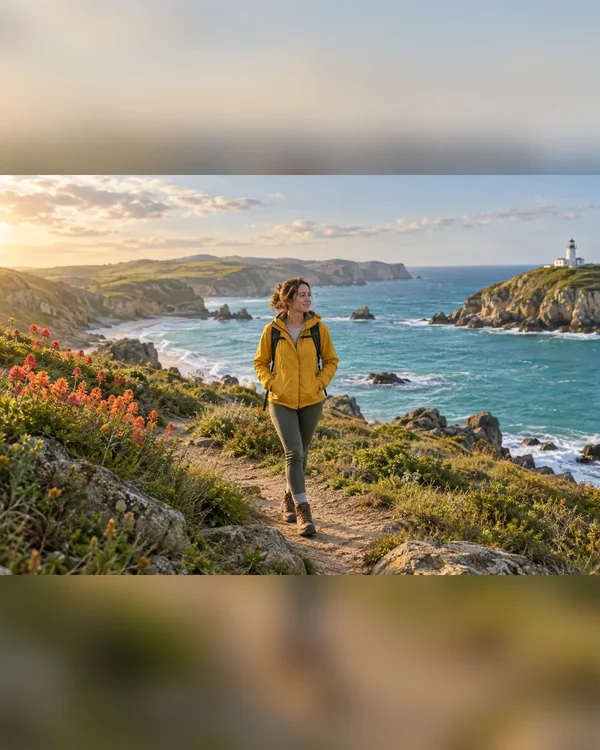
Keeps the whole photo over a blurred copy of itself.
Check the platform dimensions and aspect ratio before editing.
Keep important text and faces inside the visible area; use padding when you need to preserve the entire image.
Inspect the exported image at its displayed size and check the platform’s current upload requirements.
Inspect the exported image at its displayed size and check the platform’s current upload requirements.
For a square or portrait post, read the Instagram size guide for dimensions and composition.
For a video preview, read the YouTube thumbnail guide for 16:9 dimensions.
For your channel art, read the YouTube banner guide to check whether the logo and text fit inside the mobile safe area.
| Platform | Format | Pixels |
|---|---|---|
| Square post | 1080 × 1080 | |
| Portrait post | 1080 × 1350 | |
| Tall photo · 3:4 | 1080 × 1440 | |
| Story / Reel cover | 1080 × 1920 | |
| Landscape post | 1080 × 608 | |
| X / Twitter | Post | 1200 × 675 |
| X / Twitter | Header | 1500 × 500 |
| Portrait post | 1200 × 1500 | |
| Link image | 1200 × 630 | |
| YouTube | Thumbnail · 720p | 1280 × 720 |
| YouTube | Thumbnail · 4K | 3840 × 2160 |
| YouTube | Channel banner | 2560 × 1440 |
| TikTok | Vertical cover | 1080 × 1920 |